3️⃣ Sender Address
The sender address is sent to the carrier when creating a label.
The sender address is mandatory for most carriers, thus it is highly recommended to set one up.
Shopify location
Shopify locations are where the stock of your products is stored.
If you are a small business, it is probably your home address, otherwise the warehouse address.
This is the address from where the products will be delivered. In the case you enabled automatic courier pickup in Baltix, the carriers (Omniva, Latvijas Pasts) you configured will pick up your packages from this address.
This address, when a customer orders, will be automatically sent by Baltix to the carrier to create a label. It will be visible on the label.
Create a Shopify location
If you have already created a Location in Shopify, you can skip this part.
- Head to your Shopify admin dashboard
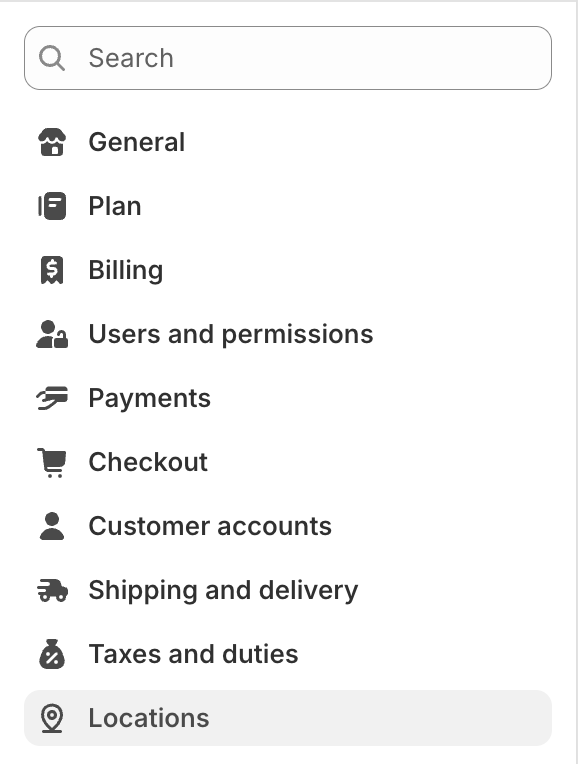
- Click on Locations in left side menu
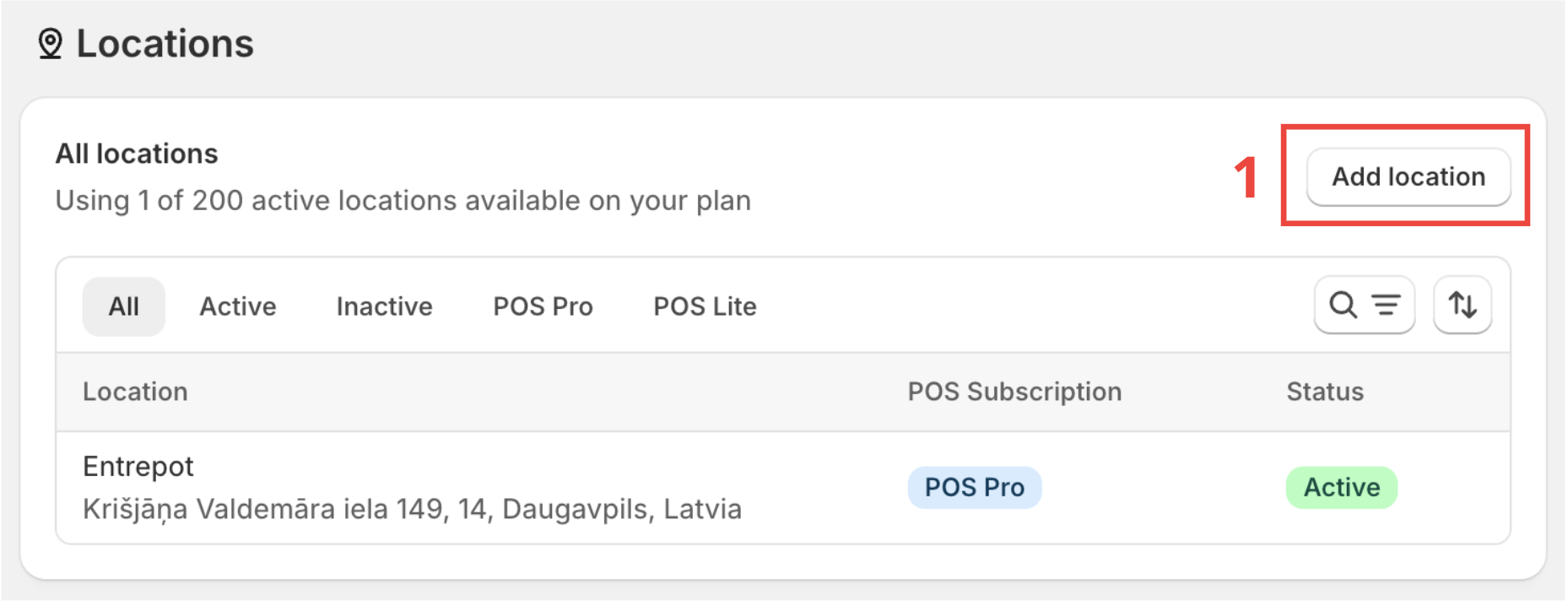
- Click on Add location (1).
- Set a Name for this location (2). This name will be shown in Baltix.
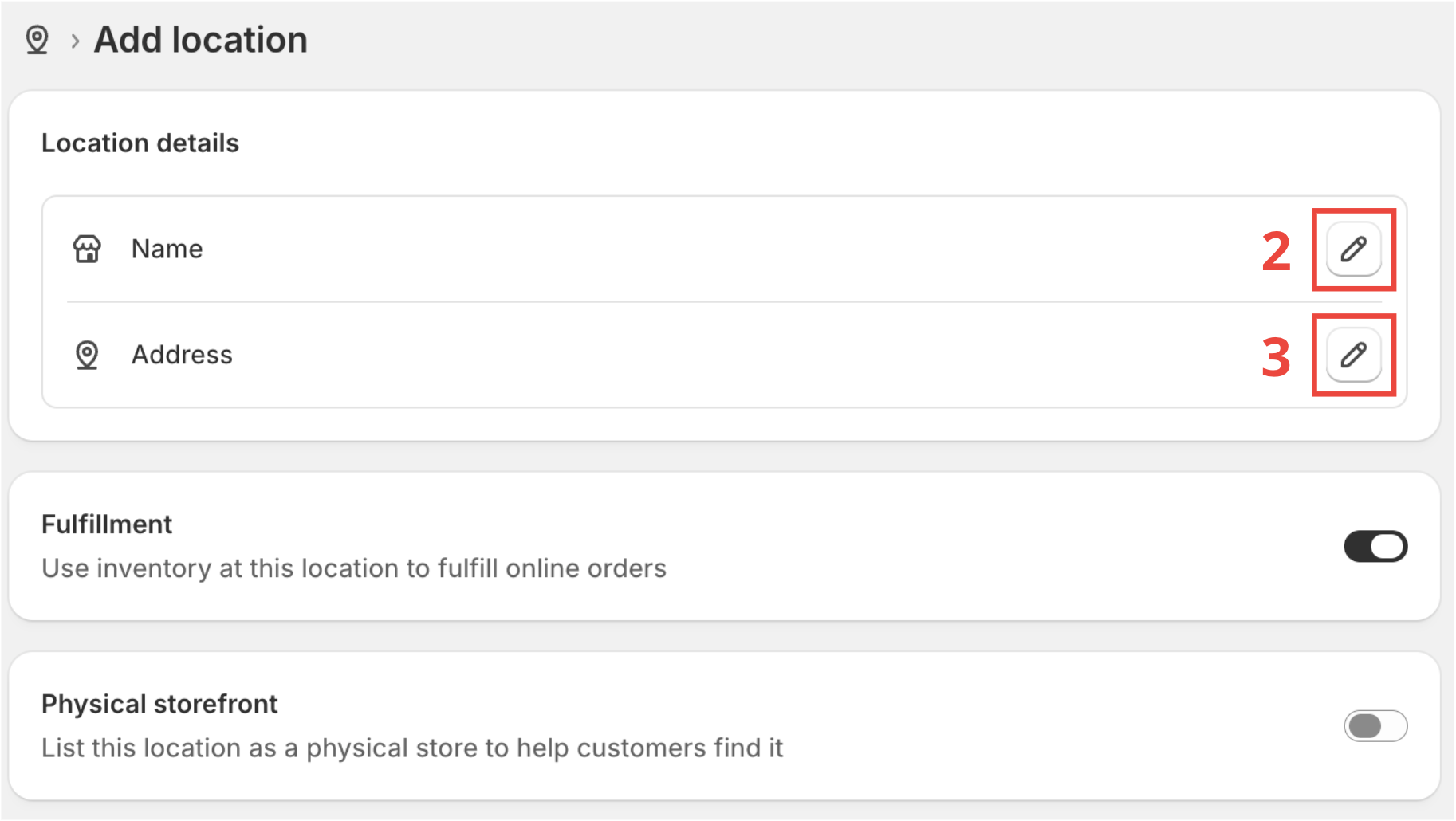
- Set an Address for the location.
Filling in a phone number is optional in Shopify, but MANDATORY for Baltix. Most carriers require a phone number for label creation.
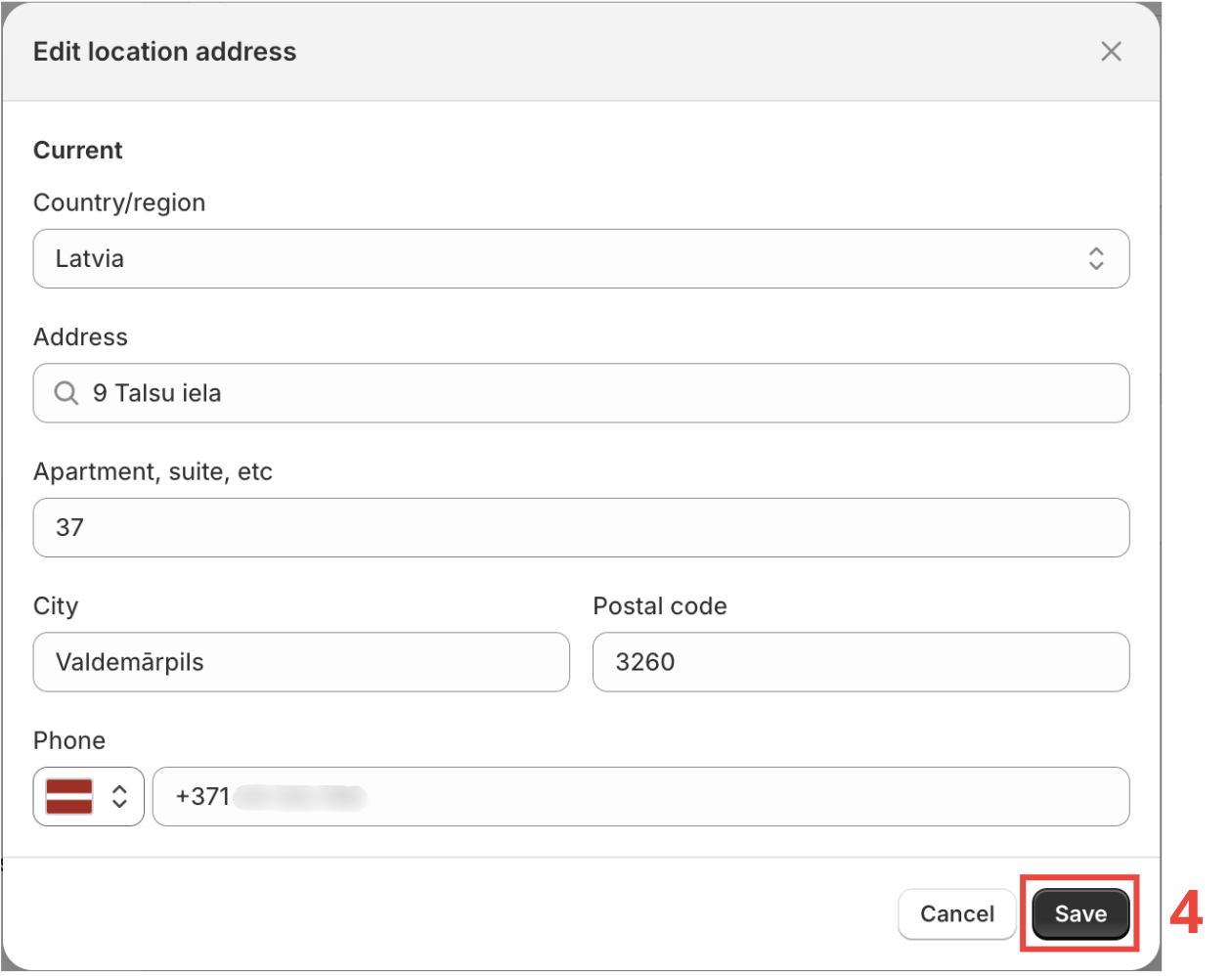
- Click on Save (4) to finalize location creation.
Verify Shopify location in Baltix
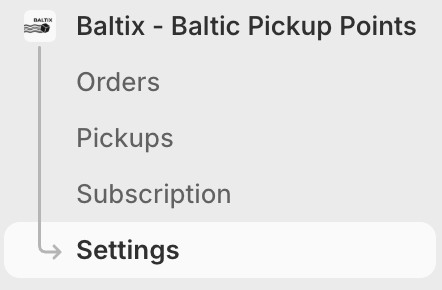
- Head to your Baltix - Baltic Pickup Points
- Go to Settings
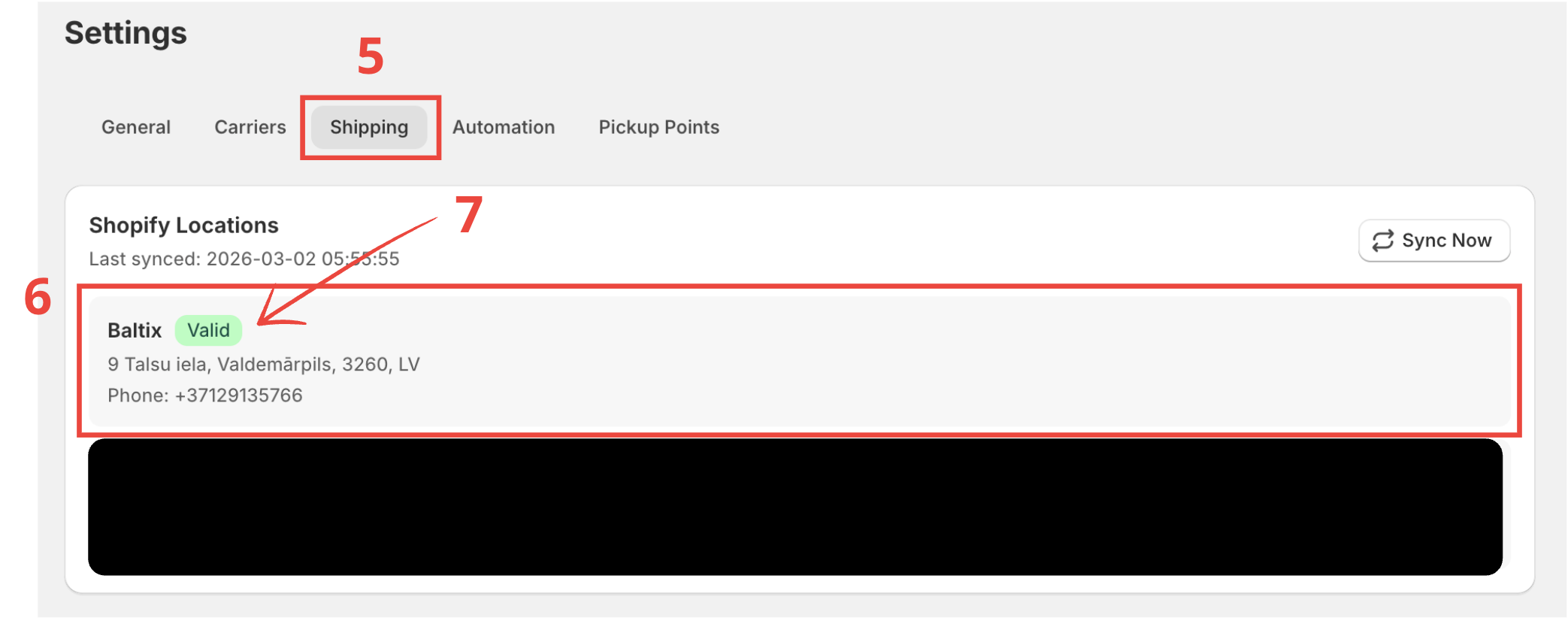
- Click on Shipping (5) tab.
- Check that the location created in the previous step appears in (6).
- Check that location has valid green badge (7).