Get Latvijas Pasts API key
After signing a contract with Latvijas Pasts, ask your account manager for an API key to access the ExpressPast API.
You will receive an API key that looks like this: 67a343260b6D484DA41D12166F6DCa41.
info
If you need help, contact us through Baltix application, in Help menu.
Configure API in Baltix
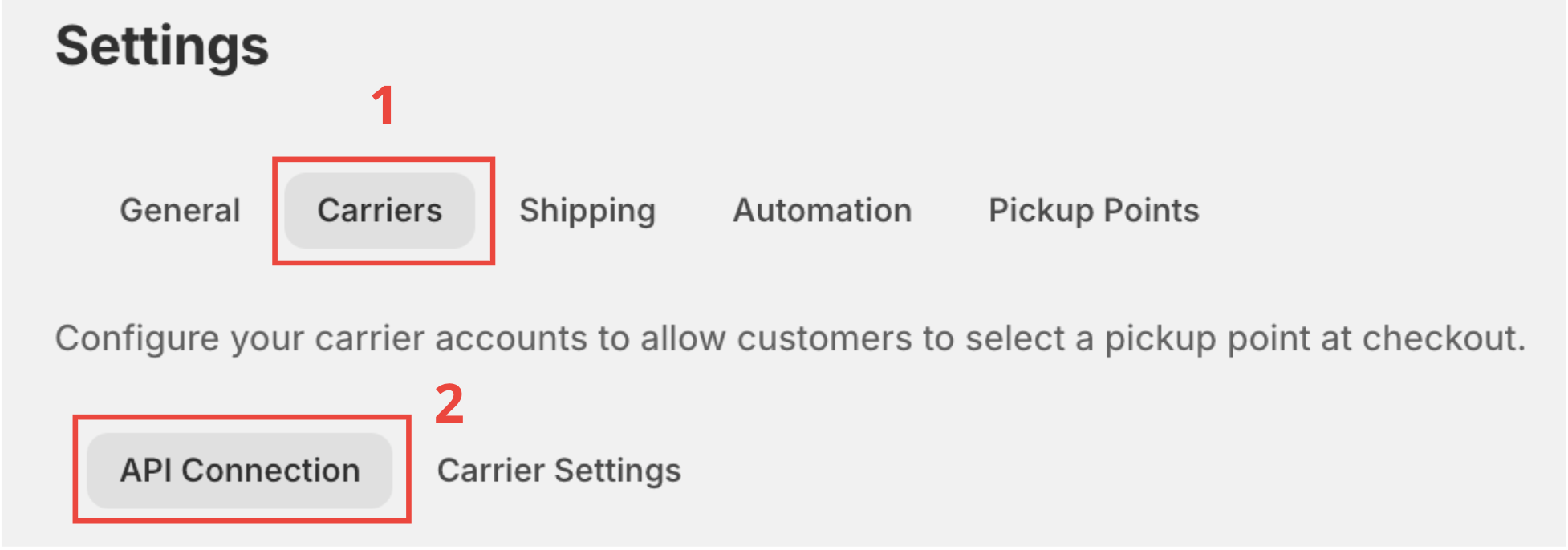
- Head to your Baltix - Baltic Pickup Points
- Go to Settings
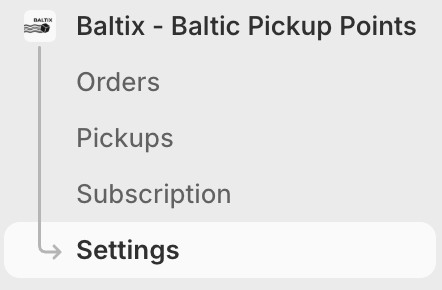
- Click on Carriers (1) tab.
- Click on the second tab API Connection (2).
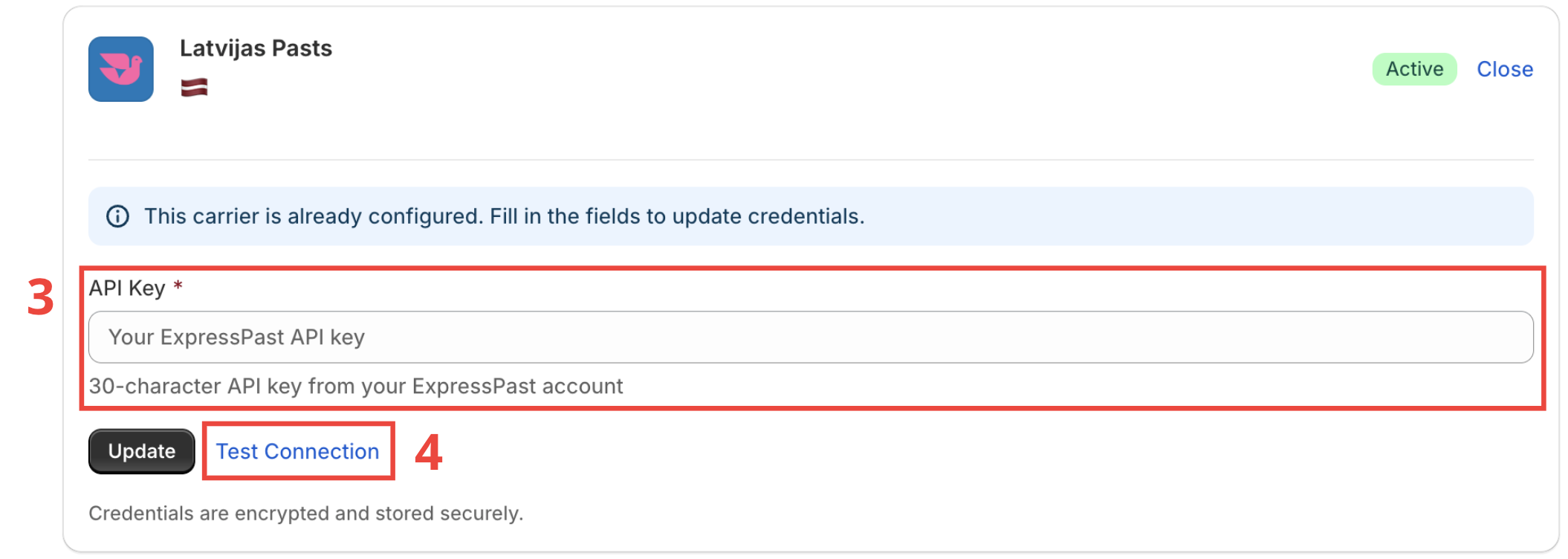
- Fill in the API key in the input field (3).
- (Optional) Click on Test Connection (4) to test the connection between Latvijas Pasts API and Baltix.